
One QR code. Every guest photo.
Let guests scan, share and enjoy event photos in seconds — without an app, account or complicated instructions.
No app or sign-up for guests · Private event link

Add to the album
Photos, videos & moments
The opportunity
Asking for photos should be easier than chasing them
A QR code puts the right place to share directly in front of every guest. Mimilo turns that scan into a private event album built for quick uploads, not another account or app to remember.
Four simple steps
How Mimilo works
Create your event
Set up your private album and make it feel like your event.
Share the QR code or link
Put it wherever your guests will see it.
Guests add their moments
Photos and videos upload from any modern phone browser.
Everyone enjoys the album
Watch it grow live, then return to relive it together.
Made for this moment
The features that matter for qr photo sharing
Printable QR cards
Create branded cards and signs for tables or entrances.
Short album link
Give guests an easy alternative when scanning is not convenient.
Browser uploads
No app download or guest registration stands in the way.
Live updates
New photos and videos appear in the shared album as they arrive.
Live slideshow
Keep the QR code visible while incoming moments play on screen.
Link controls
Hosts can reset an event link if access ever needs to change.





A Mimilo experience
Put the invitation exactly where the moment happens
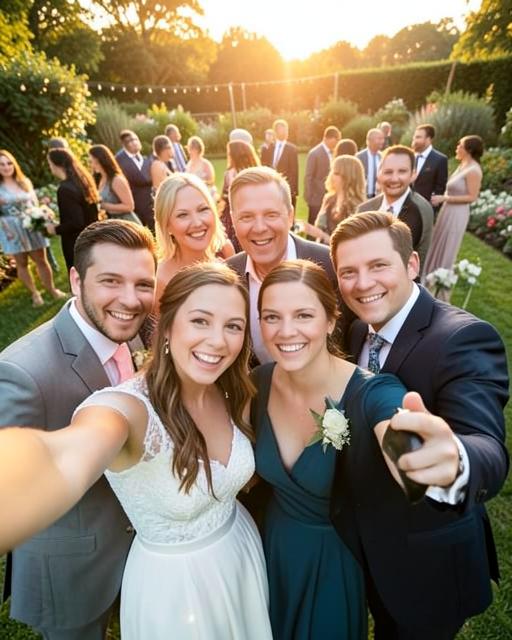
Add the QR code to table cards and the big screen. A guest scans once, uploads from their phone and can return to the same album throughout the event.
Why people use Mimilo
Join in one scan
Guests go from camera to album with almost no friction.
Works wherever guests gather
Use the same code on table cards, posters, screens or invitations.
Built for the event
The QR code leads to your private album, not a generic upload folder.
Good to know
Questions about qr photo sharing
Explore Mimilo


