

Mimilo Events
One private place for the moments everyone captures
Create an event album, share one QR code or link and watch photos, videos and messages arrive from every guest. Enjoy them together in a live slideshow, then return to the complete album whenever you like.
One scan to join
Guests open your album in their browser and start sharing.
Private event link
Your album is shared with the people you invite.
Every kind of moment
Bring photos, videos and messages into one experience.
Live while it happens
Turn new contributions into a live event slideshow.




Use Cases
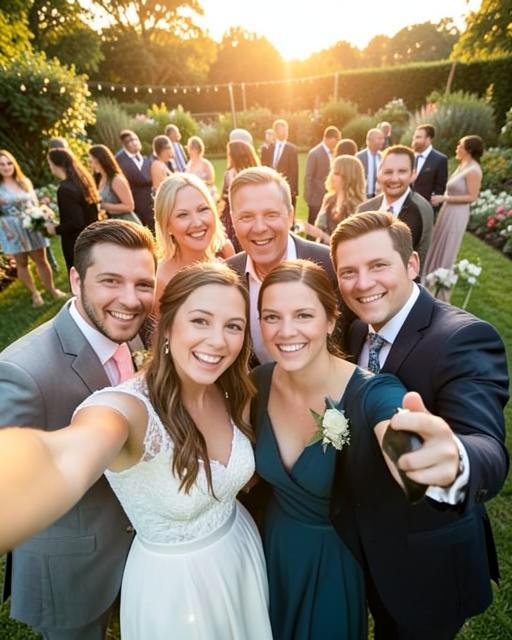
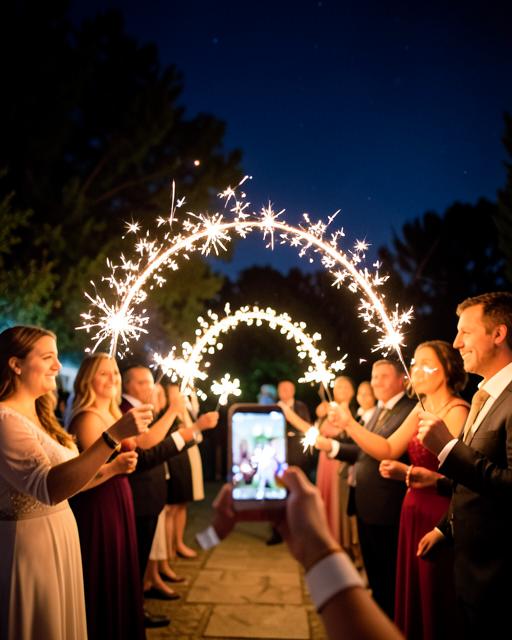
Mimilo for every kind of event
From weddings and birthdays to company events and conferences, Mimilo gives everyone one simple place to share their moments.


Create your event
Choose a name, date, cover and the way guests can contribute.
Share one QR code
Add it to signs, invitations, screens or your group chat.
Guests add moments
Everyone contributes from their own phone without an account.
Relive it together
Enjoy the live slideshow and one complete private album.